Welcome

Hi there and welcome to my blog! I'm Allison, also known as Aquabel in some groups. I live in Nova Scotia, Canada. I've been addicted to PSP and tagging for about 4 years. I love creating tags and sets, so thought I'd create a blog to display some of my creations, as well as anything else that may tickle my fancy :) I hope you enjoy your stay!

Search

Show Some Love

Categories

Archives

Freebie TOU

I have some freebies on my blog for you, FTU Cluster Frames, templates, masks and word art. Anyone is welcome to download and use. But please remember all of my items are for Personal Use only. They are not for Commercial Use, nor are they to be shared in forums or groups. Forums and Groups are welcome to use my stuff (and I'm thrilled for them to do so), but please redirect members to my blog to download the items.
Tutorial writers are also welcome to use my items as well. Just please direct people to my blog to download.
Thank you! And I hope you enjoy using my goodies, and have fun with them :)
Allison

I Stalk

deedlesdunit

Popular Posts

Follow Me

August 08, 2016
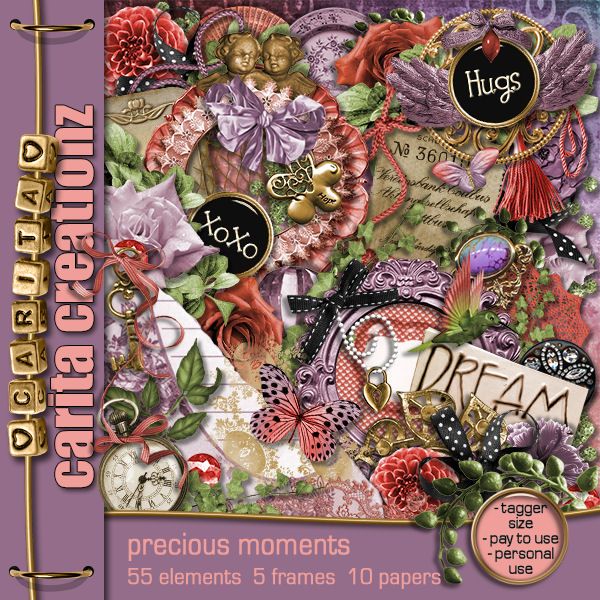
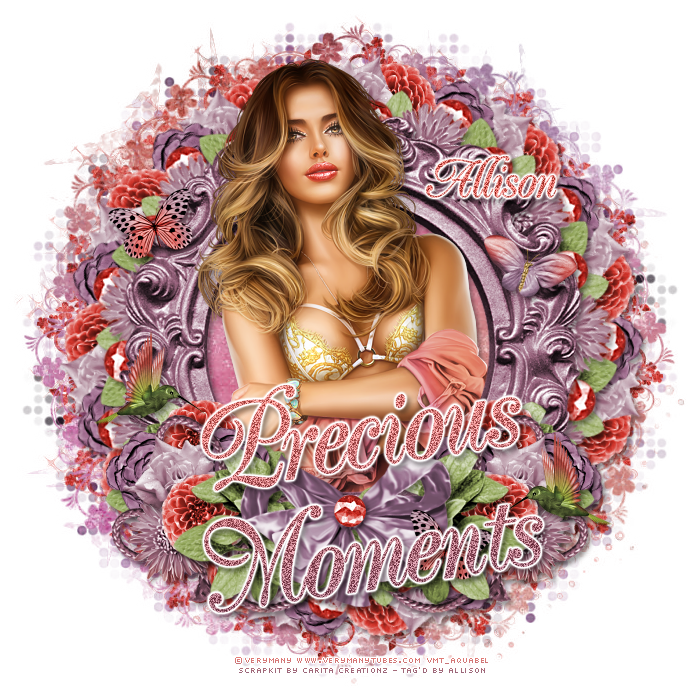
I had a play with Carita Creationz beautiful kit called Precious Moments.
Here's a preview of the kit which you can get at Dees'Sign Depot HERE.
For my tag I used this beautiful multi-layer tube by Verymany called Betty.
Here's a preview of the tube which you can get at Verymany Tubes HERE.
For my tag I also used some awesome masks by Dangerously Delicious Designz which you can get HERE.
And here's a snag for you :)
Just right click and Save.
August 07, 2016
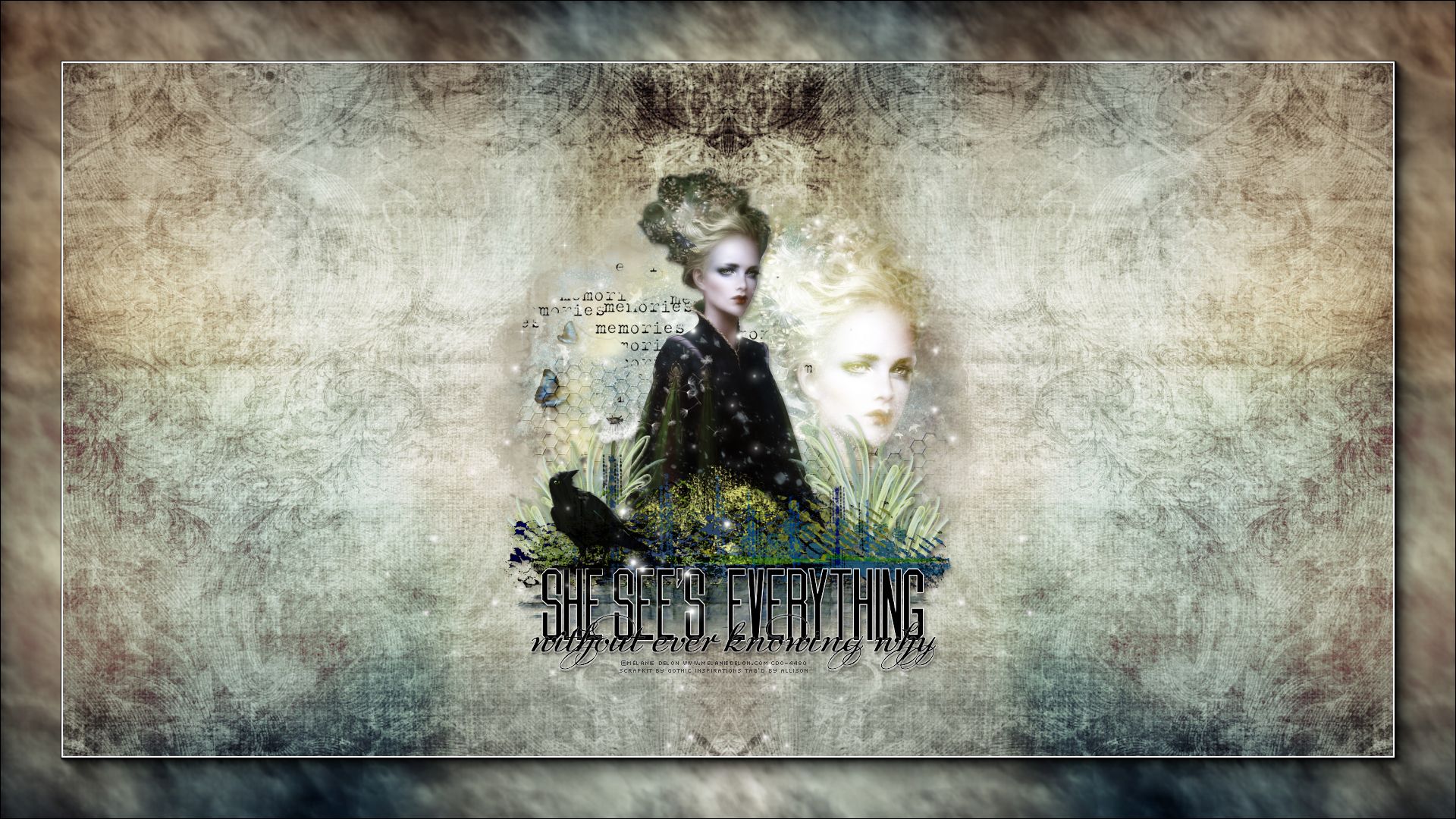
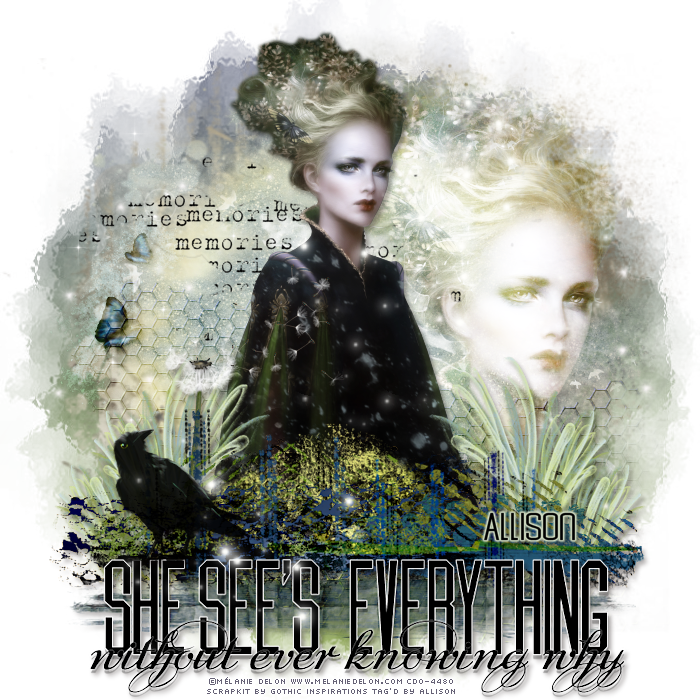
I had a play with Gothic Inspirations fabulous kit called Times Of Future Past.
The kit was designed from a quote, which she gave to one of her CT team members.
Here's the quote:
 
"Those "moments" begin when we start living again"
And here is what CT Team member Julie gave to Jessica based on the quote:
 
Theme: Something spiritual, with hints of nature reborn,
life growing, remembrance of times past and future joys.
Colors - Greens, blues & creams.
Name Of Kit(s)/Collection: Times of Future Past
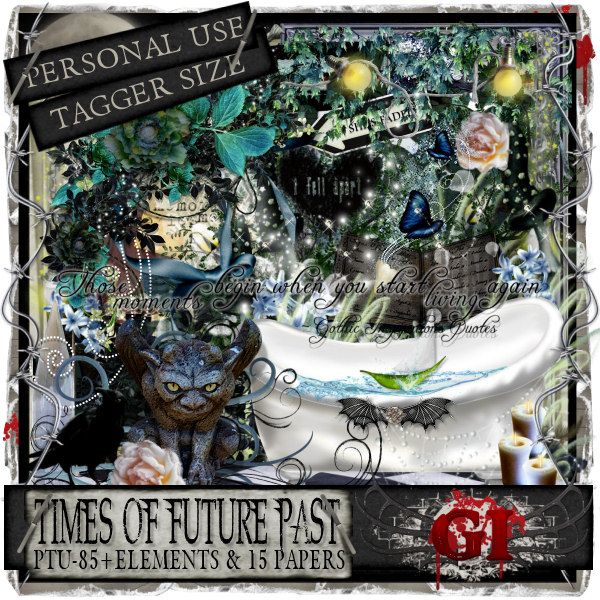
 
Here's a preview of the beautiful kit, which you can get at Gothic Inspirations HERE.
For my tag I used a great tube by Mélanie Delon which you can get at CDO HERE.
I also made a freebie desktop wallpaper, size 1920 x 1080, which you can download HERE.
I made these templates a couple weeks ago for a challenge in one of the forums that I belong.
They're just simple templates, but there's still a lot you can do with them, so I thought I'd share them. 
Here's a preview of the templates...
You can download them HERE or HERE.
Here's a few examples that a friend of mine made using the templates.
Thanks very much Jessica, for making these for me, and for allowing me to show them off on my blog :)
 
I was also asked to make a little tutorial on how to make the template, and specifically, how to do the glass effect.  So here goes....
 
Template and Simple Glass Effect Tutorial
 This tutorial was written by me with Paint Shop Pro X8, and any similarities to other tutorials is purely coincidence and unintentional.
Please feel free to use my tutorials in any groups, but please link back to my blog, do not copy any portion of the tutorial or claim as your own.
The tutorial was written with the presumption you have of a good knowledge of Paint Shop Pro.
 
 Supplies Needed:
Font: Coluna Rounded which you can download HERE
Eye Candy 5 Impact - Glass
 
So let's start!
Open a new image 700 x 700, and add a new raster layer.
With your Text Tool, type out a word in capital letters, size 180, using Coluna Rounded font, or any bold font of your choice.  You can use any colour as you can change the colour later when you tag the template.  For my template I used a gradient of 2 shades.
Create your font as a Vector so that you can change the size of the word.
Once you have your vector, take your cursor and pull the edges of the vector to your desired size.
Once you have the word your desired size, convert the vector layer to a raster layer.

You should have a word looking something like this:
Now we'll create a background border.
To do this, hit Selections - Select All, then Float.
Hit Selections - Modify - Expand by 3.
You'll have a marching ants border around your word, offset by 3 pixels. 
Now with the marching ants border still there, add a new layer under your main word layer.
Then flood fill it with a colour of your choice.  Select None.
Add Noise Effect, Uniform, 60% with Monochrome checked (if desired).

Now for the glass effect.
With your main word layer active, hit Selections - Select All - Float - Defloat.
Now add a new raster layer above your main word layer.
Go to Effects - Eye Candy 5 - Impact - Glass.
Make your glass effect with the following settings:
 
Here's a close up:
 
Select None.

Note: Adding the glass effect on a separate layer makes it easy for you to make your tag...you can change the colours of your word, or add elements or tubes to it, and still have your glass effect separate.

Now just crop your template and save as a pspimage or psd file.

Done!
You can download the Sandy Toes template HERE or HERE.
 
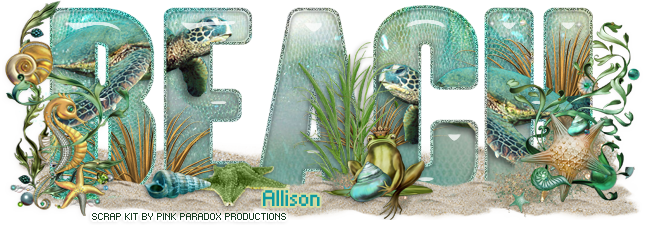
Here's the tag I made with the Sandy Toes template.
 Feel free to snag it if you like it :)
 
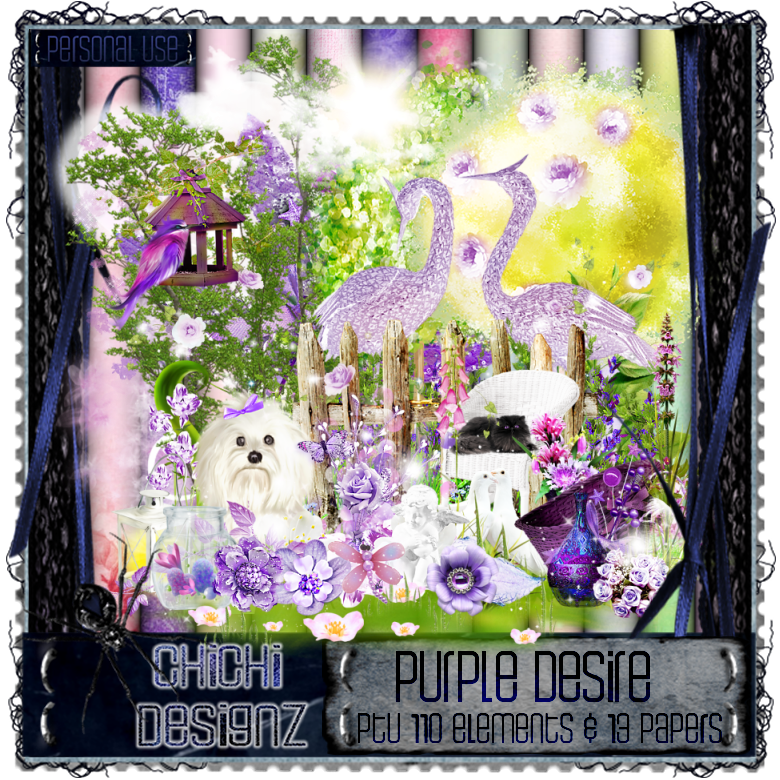
I had a play with Chichi Designz gorgeous kit called Purple Desire.  This kit is so pretty, with lovely shades of purple, pink and green, great for all kinds of tags.
Here's a preview of the kit which you can get at Chichi Designz store HERE.
For my first tag I made a Facebook Timeline Set using a wonderful tube by Verymany called Jenice.  Here's a preview of the tube which you can get at Verymany Tubes HERE.
For my second tag I used another stunning tube by Verymany, a multi-layer tube called Julianne.  Here's a preview of the tube which you can get at Verymany Tubes HERE.
I also used a great mask by Dangerously Delicious Designz which you can download HERE.
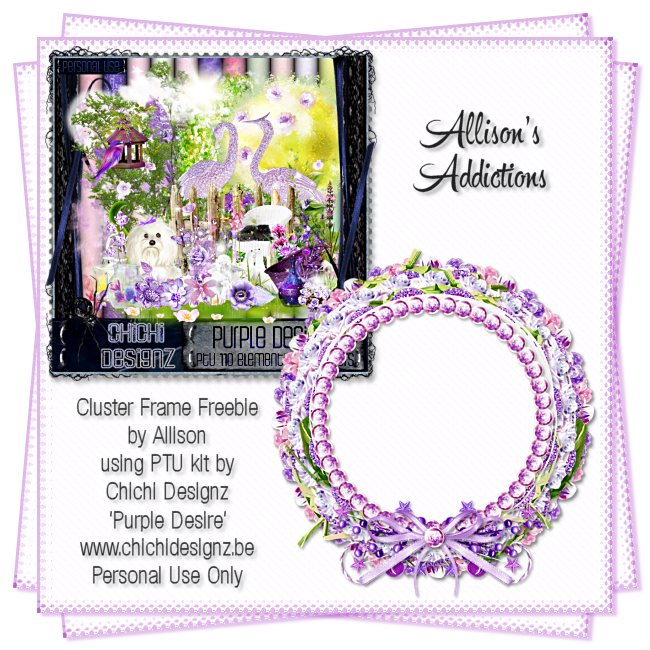
I also have a FTU Cluster Frame for you :)
You can download it HERE or HERE.
August 04, 2016
Dees'Sign Depot recently released this stunning kit called By Invite Only.  It is so beautiful and elegant!  Here's a preview of the kit which you can get at Dees'Sign Depot HERE.
For my tag I used this beautiful tube by Verymany called Blanche, which you can get at Verymany Tubes HERE.
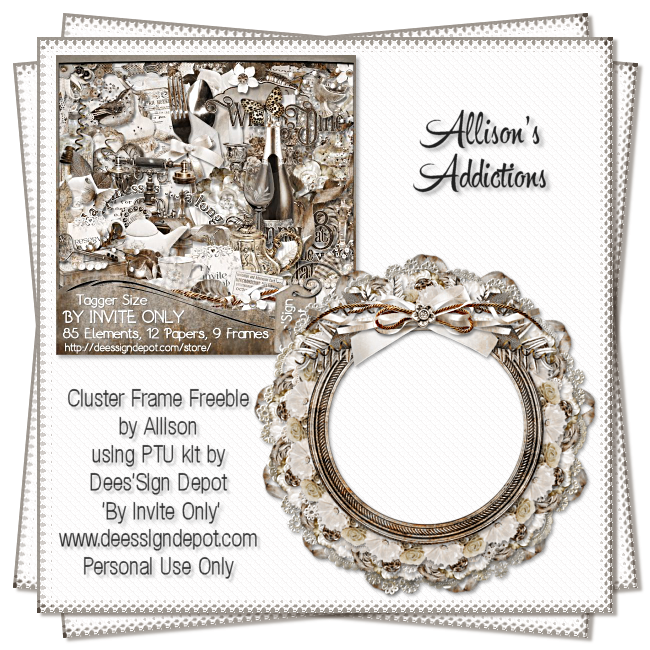
I also have a FTU cluster frame for you, the one I made for my tag.
You can download it HERE or HERE.
Enjoy :)

Grab My Blinkie

 Blinkee  Blinkee  Blinkee  Blinkee2

My Groups

 photo 35nbuat_zpseea4408e.gif

I CT For

Deedles N Doodles

Favourite Blogs

Elegant Inspirations Denz Designs Dees Sign Depot Dangerously Delicious Designz Tonyas Temptations Millies PSP Madness Designs By Vaybs A Space Between Sweet Temptations Sylly Creationz Gail's PS Adventures Salsa Sensations Scrappy Bit Of Fun Tutorials By Rene Dragonfly Dreams Designs MizTeeque's Digital Designs

Favourite Stores

CDO Pics For Design Zindy Neilsen Barbara Jensen Pickleberry Pop Tiny Turtle Designs

My Fav Avatars

 photo peppermint_pretty_av.png
 photo my_kitchen_av.png
 photo butterfly_fairy_fs_av.png
 photo spring_cutie_av.png
 photo bj_girls_av.gif
 photo shake_your_coconuts_av.gif
 photo to_the_sea_av.png
 photo loveyou_av-1.png
 photo andalusian_av.png
 photo super_chickav.gif
 photo special_day_av.png
 photo inchworm_hello_av.gif
 photo underwater_adventures_av.gif
 photo midnight_rose_av.png
 photo fly_away_av.png
 photo bloodonthemoon_av.png
 photo hotnsexy_av_allison.gif
 photo bubbles_av.gif
 photo sorting_tiles_av_allison.gif
 photo deep_in_the_forest_av.png
 photo whisperofspring_av.png
 photo MarylineCaz_Spring_Avi-a_zps9fb44948.png
 photo Insatiable-bylovey11-avi-allison.gif
 photo allison1-8.gif
 photo allison1-3.gif
 photo allisonMAemocandyav_pooker.png
 photo aAMautumnav_pooker.png
 photo stickynsweetav.gif
 photo abel_rose_av.gif
 photo hot_music_av.gif
 photo sad_angel2_av.png
 photo wicked_angelic_av.png
Dees'Sign Depot